

The app
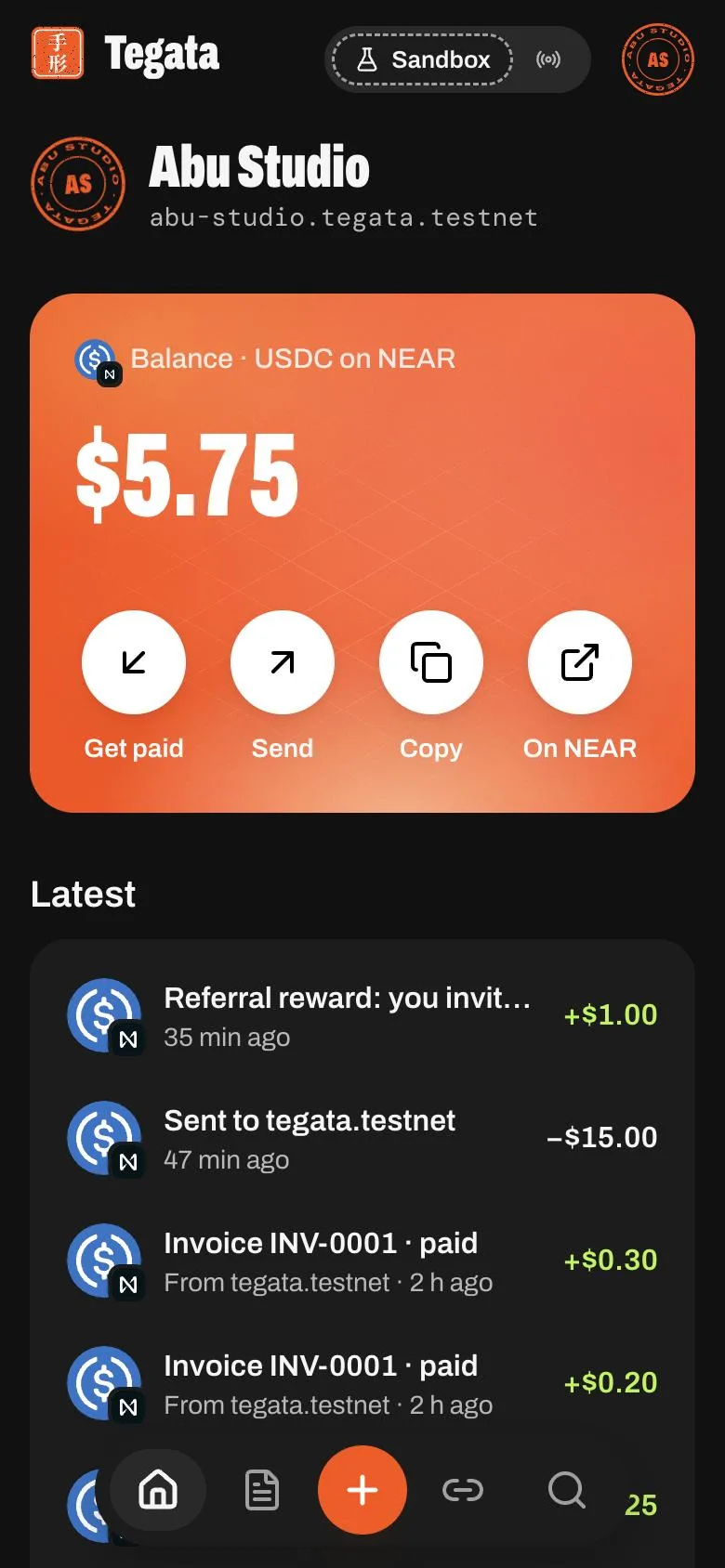
Home shows your balance and every movement as a row that opens its receipt; everything else is one tap or one keyboard shortcut away.
Home
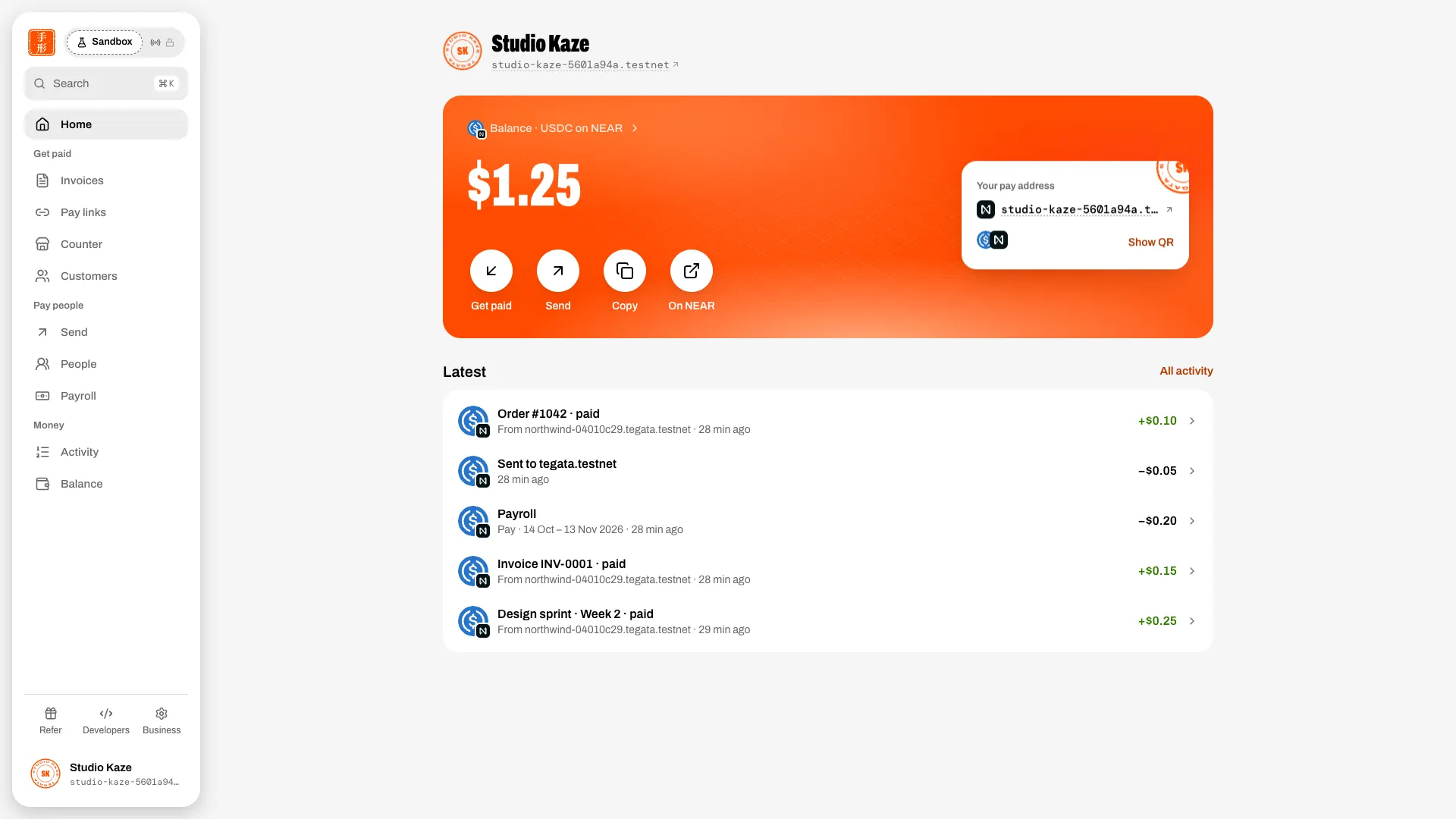
| Part | What it does |
|---|---|
| Balance | Your USDC on NEAR, read live from the USDC contract |
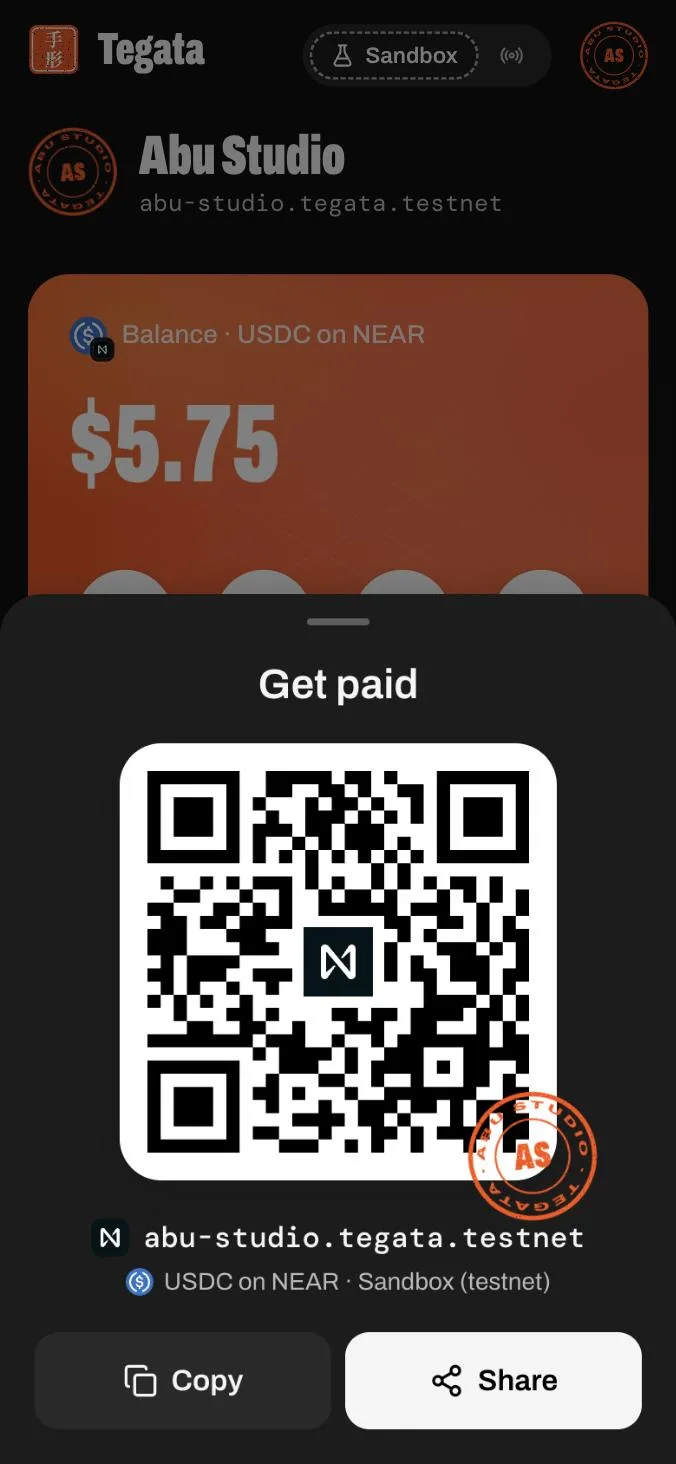
| Get paid | Your pay address as a QR code, with Copy and Share |
| Send | Opens Send |
| Copy | Copies your pay address |
| On NEAR | Opens your account on the NEAR explorer |
| Latest | Payments in, payments out, sends, rewards, payroll runs and payslips, newest first. Each row opens its receipt; the receipt links to NEAR |
| Get started | Tiles for a new account: your first invoice, your first pay link, your people, and test dollars while your balance is under $1. Each retires once it's done |
| Payroll due | On or after payday, when no run has paid it: what it pays and to how many people |
Places
On a desktop the rail groups places by job: Home, then Get paid (Invoices, Pay links, Counter, Customers), Pay people (Send, People, Payroll) and Money (Activity, Balance), with Refer, Developers and Business at the foot. A group folds with its chevron, and the rail remembers it. On a phone the dock holds Home, Invoices, + (New invoice, New pay link, Send, Run payroll, Counter, Add people, Get paid), Pay links and Menu, which opens every place, with search on top.
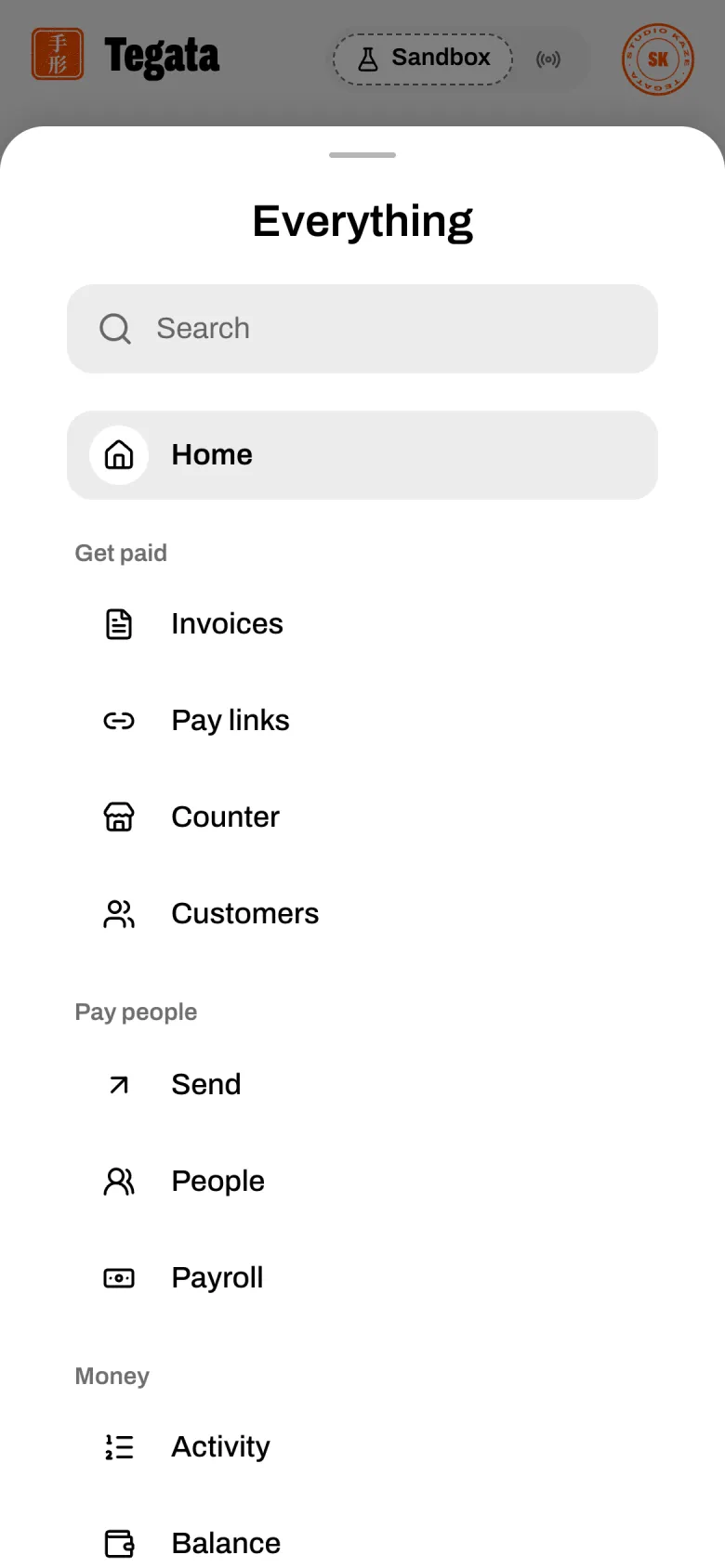
| Place | For |
|---|---|
| Home | Balance and Latest |
| Get paid | Your pay address and QR code |
| Invoices | Invoices |
| Pay links | Pay links |
| Counter | Take a payment in person: keypad, QR code, paid |
| Customers | Customers |
| Activity | Every movement by month, filters, search, the CSV and the statement (for bookkeepers) |
| Balance | What you hold and the books checked against NEAR (for bookkeepers) |
| People | Your team and where their pay lands |
| Payroll | The schedule, runs and payslips |
| Send | Send |
| Refer | Referrals |
| Business | Your business profile |
| Developers | API keys, checkout sessions and webhooks |
⌘K (or Search on a phone) opens every action and place from the keyboard.
Sandbox and Live
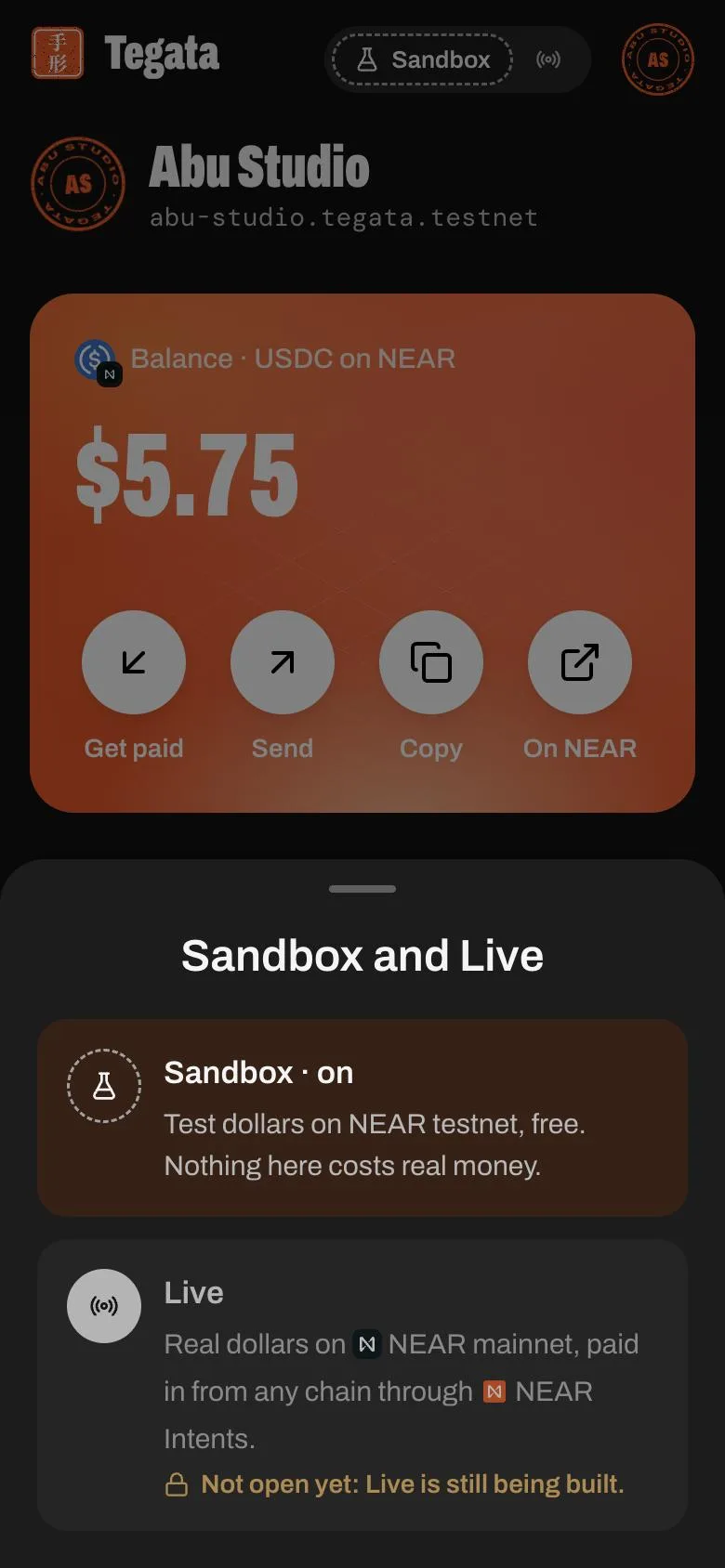
The switch at the top of the rail (and of the phone bar) says you're in the Sandbox: test dollars on NEAR testnet. Live carries a lock: it isn't built yet. See Sandbox and Live.