

The pay page
What your customer sees when they open a link or an invoice, designed for phones; two ways to pay, a live price from other chains, and paid only when NEAR says so.
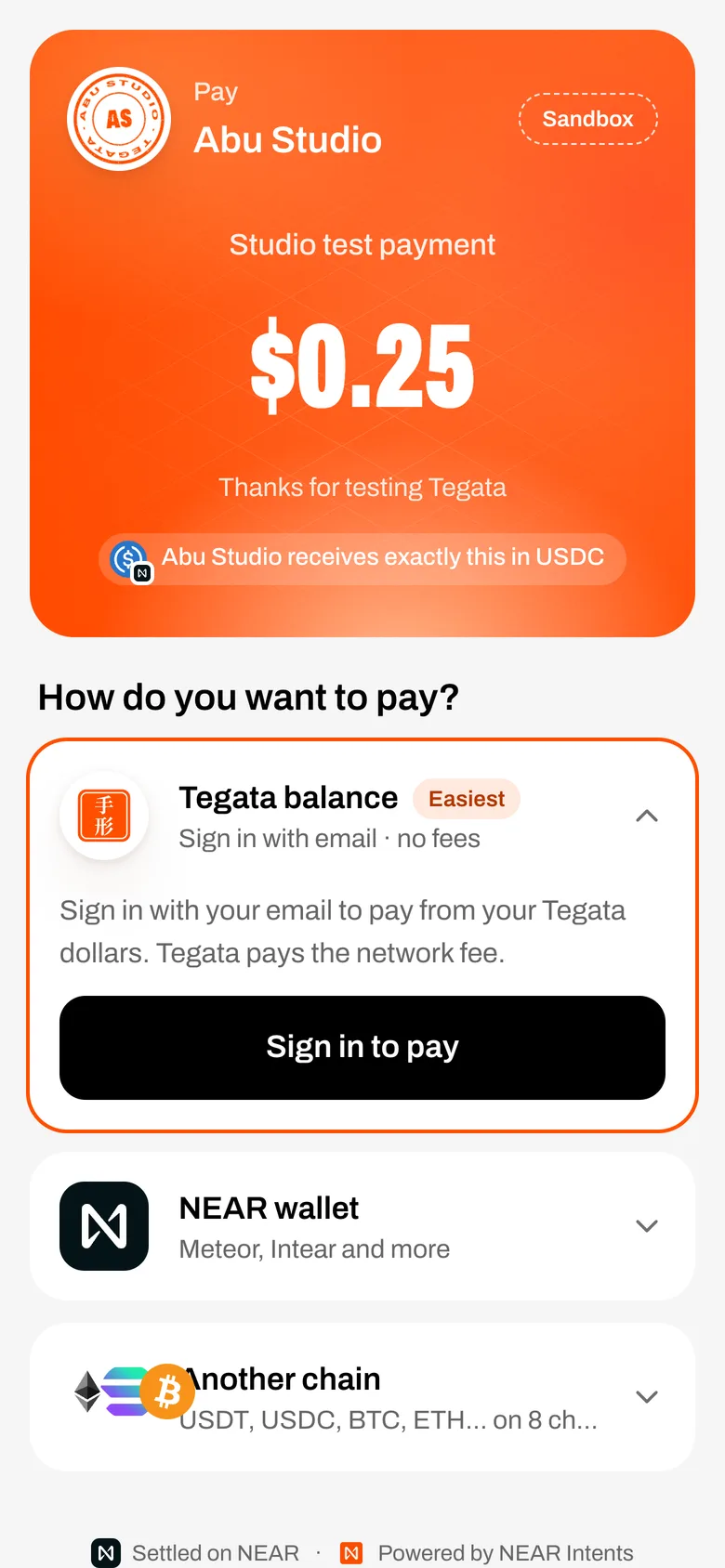
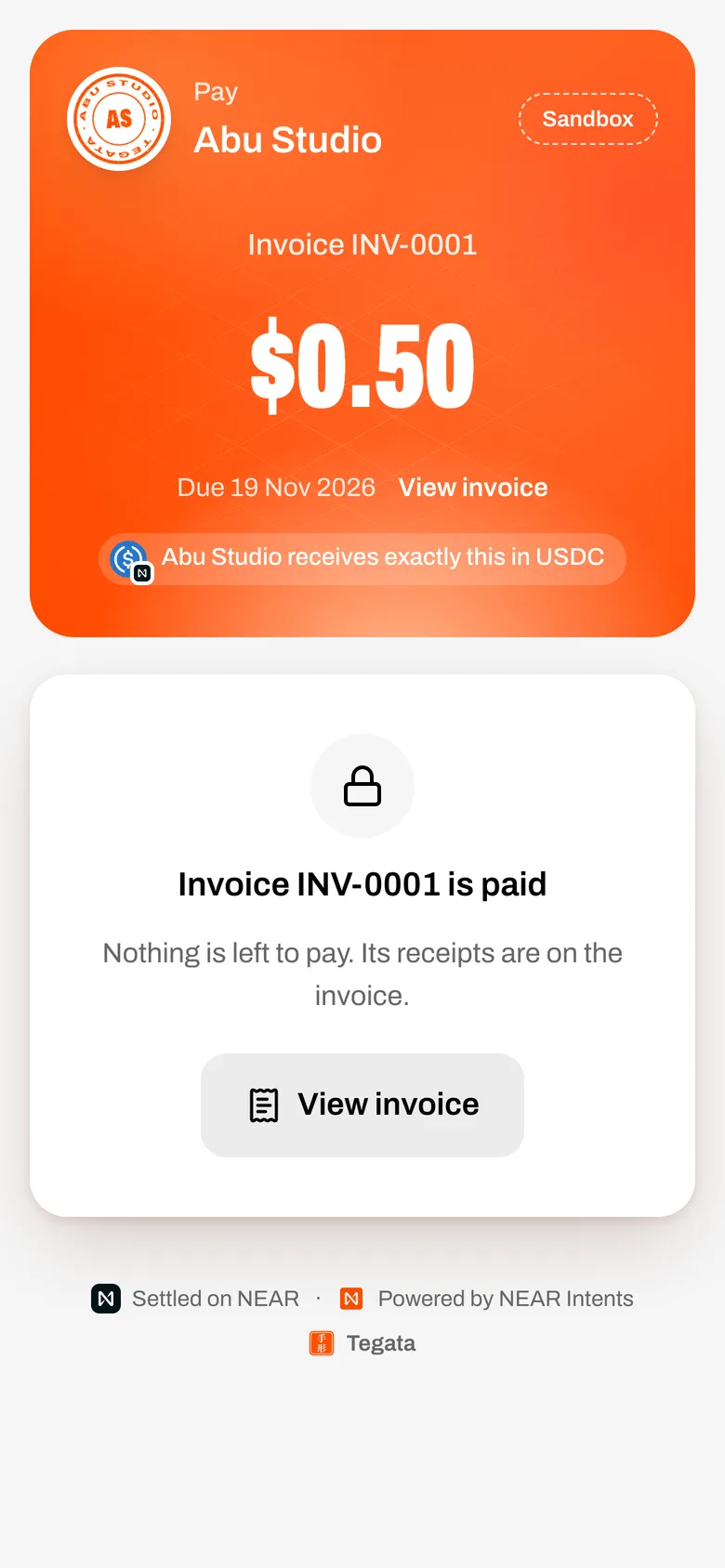
The header shows your logo or seal, the amount, and "receives exactly this in USDC". For an invoice it shows the number, the due date and View invoice; with part-payments allowed the payer types any amount up to what's left.
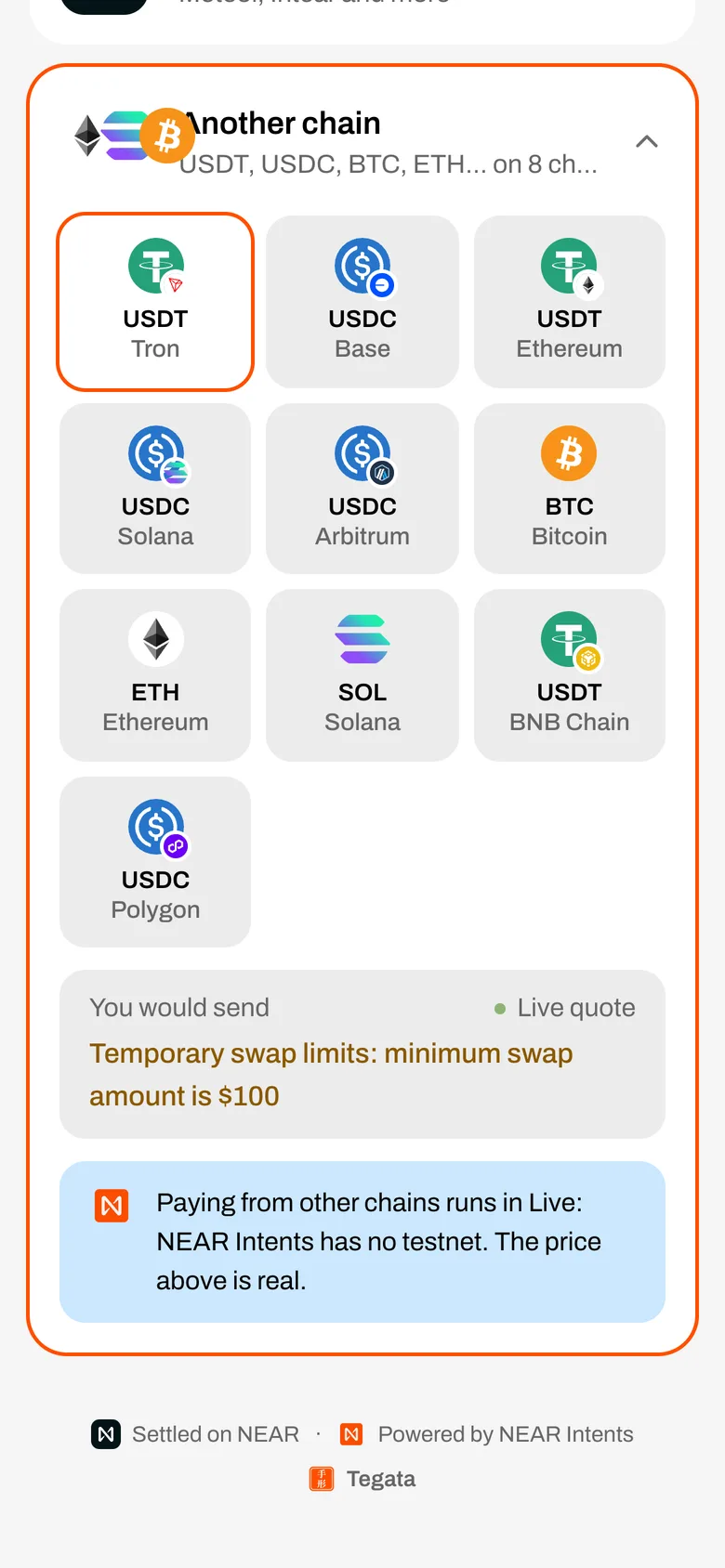
Two ways to pay, and a price from other chains
The payer signs in with their email and pays from their own Tegata dollars. Tegata pays the network fee. In the Sandbox, Add $5.00 test dollars appears there when your balance is short. They press and hold Hold to pay. You can't pay your own link from your own balance.
What happens next
Live steps show the payment moving, then your seal stamps PAID and View your receipt opens it. The payment counts only when Tegata reads it from NEAR: see When is it paid?
A link that is switched off says "This link isn't taking payments". A paid invoice says it is paid and links to the invoice, where its receipts are.