

Invoices
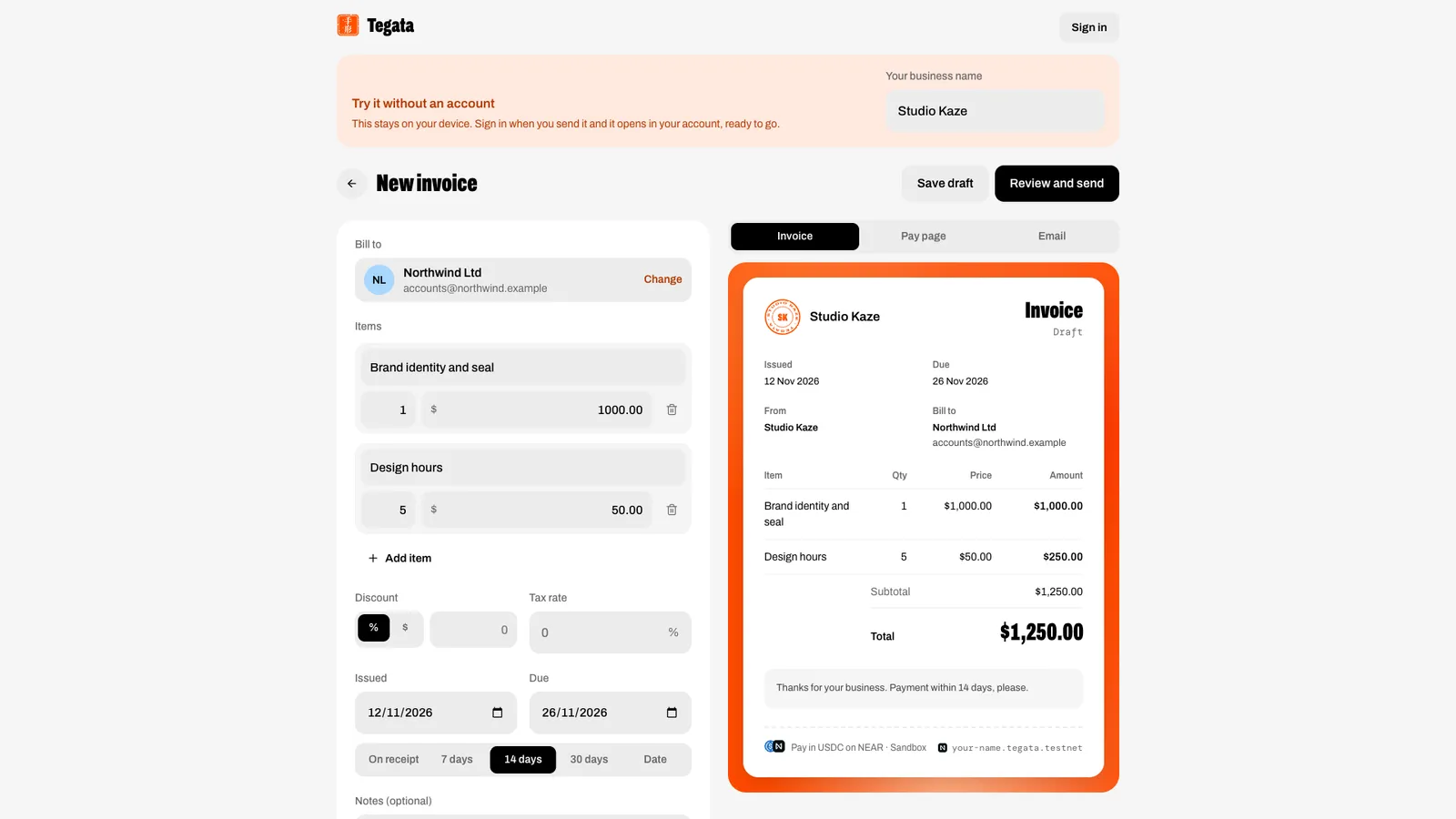
Bill a customer in a minute: items, discount and tax, due dates, part-payments and repeat invoices, with a live preview of the invoice, its pay page and its email.
Build one
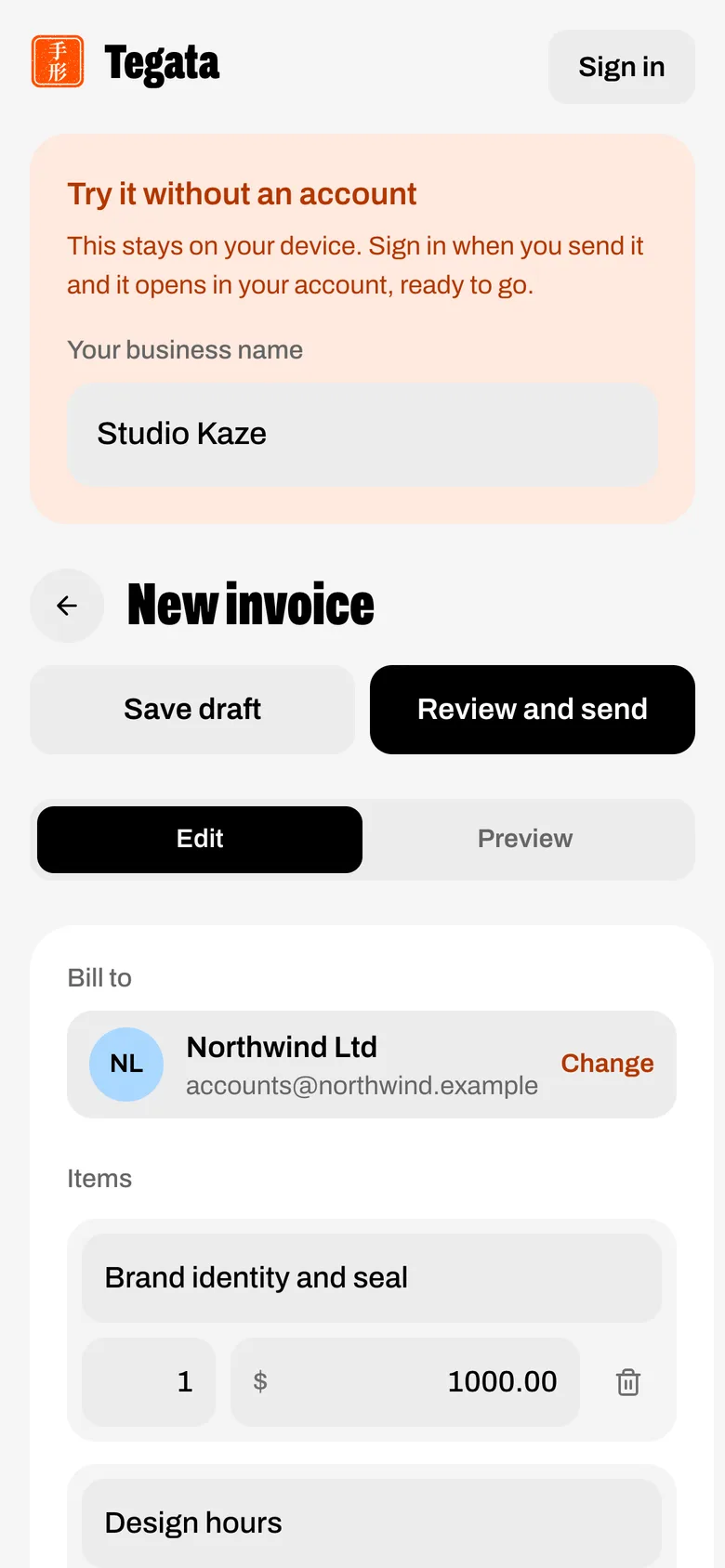
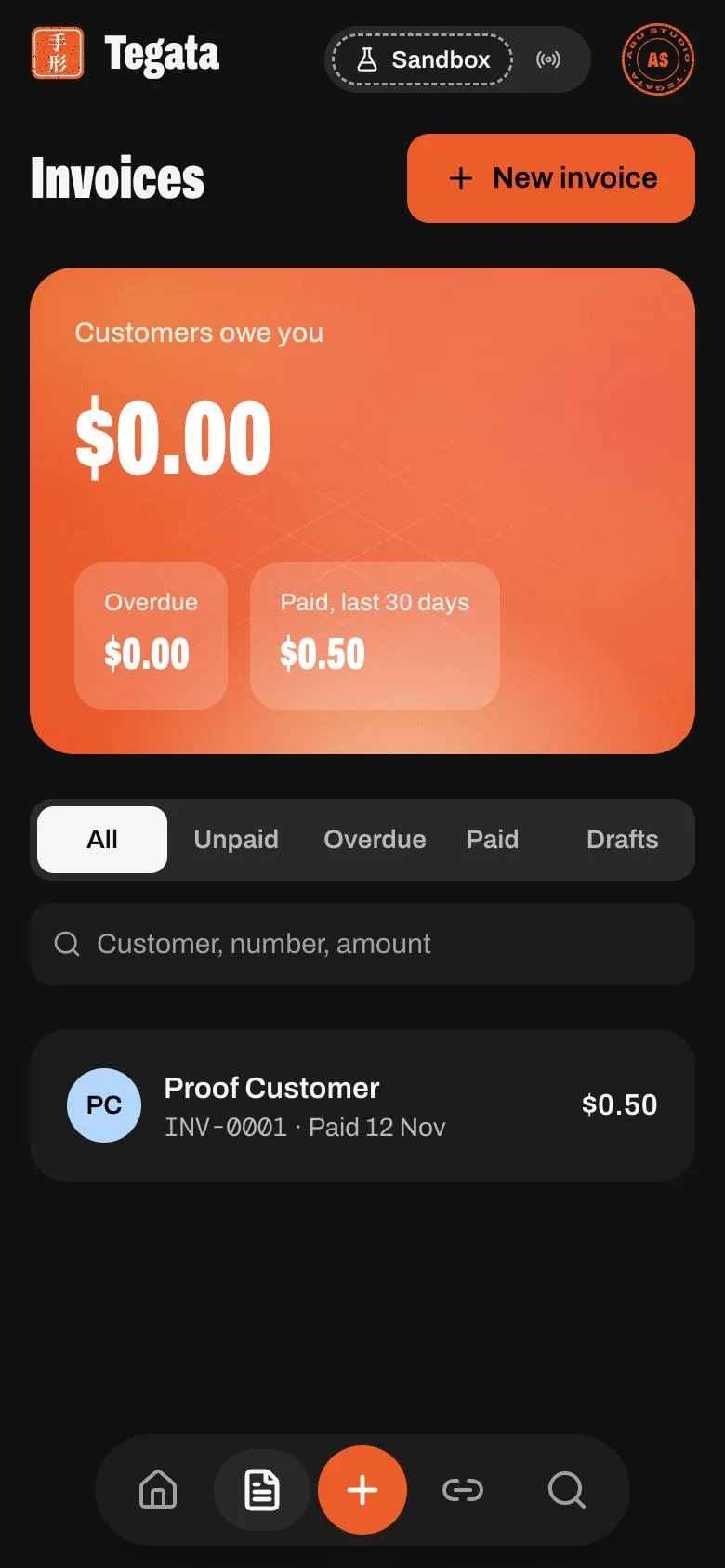
Open Invoices and press New invoice, or start from the landing page's Try an invoice, no sign-up: the draft stays on your device and opens in your account when you sign in to send it.
| Field | What it takes |
|---|---|
| Bill to | Pick a customer, or add one inline (name, email, address, tax ID) |
| Items | Description, quantity (up to three decimals, for hours), price; up to 50 items |
| Discount | A percent or a dollar amount, never more than the subtotal |
| Tax rate | One rate, on what's left after the discount |
| Dates | Issue date, and a due date from the terms chips or a date |
| Notes | Up to 1,000 characters |
| Allow part-payments | The customer may pay any amount up to what's left |
| Send reminders | Emails the customer 3 days before, on, and 3 and 7 days after the due date, at 09:00 in your time zone. Needs email switched on and a customer email, so it's off on the live Sandbox |
| Repeat | Weekly or monthly: the next invoice issues itself (a number and a link) shortly after 09:00 in your time zone; with email on, it is also sent to the customer |
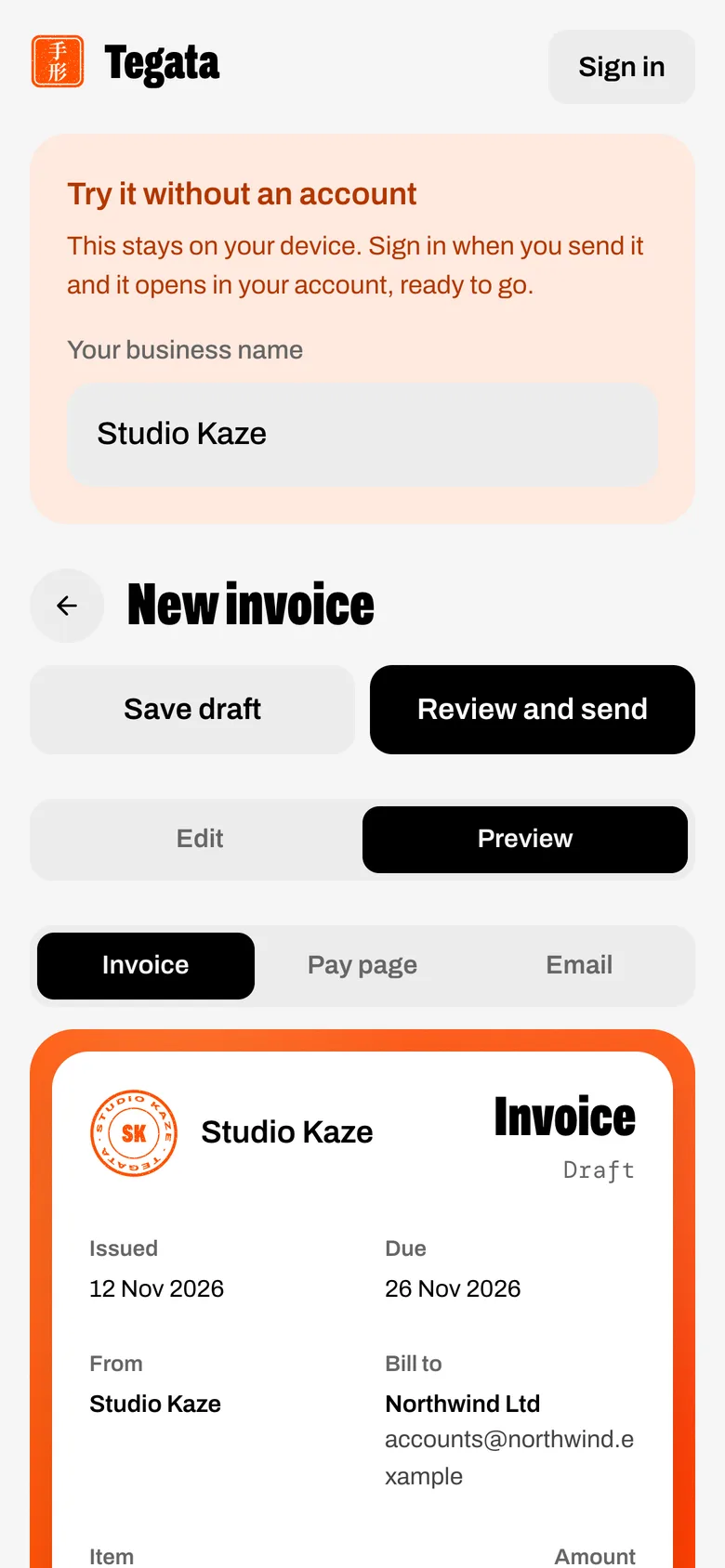
The preview has three tabs: Invoice (the paper), Pay page (the real page your customer opens) and Email (the real email).
Money rules
- A line is quantity × price, rounded to the cent. Amounts are kept as exact whole cents of USDC.
- Total = subtotal − discount + tax.
- The number (INV-0001…) is given when you send, from a counter that can't hand out the same number twice.
Statuses
| Status | When |
|---|---|
| Draft | Not sent yet; no number |
| Sent | Sent, nobody has opened it |
| Viewed | Opened by someone other than you |
| Partly paid | Some of it received (on NEAR or marked paid by hand), not yet due |
| Overdue | Past its due date in your time zone, not paid |
| Paid | Paid in full; stamped with your seal |
| Void | Cancelled; its link stops taking payments |
Viewed, Partly paid and Overdue are worked out each time the invoice is read, so they never go stale. Each step (created, sent, viewed, each payment, paid, voided, emailed) writes a line on the invoice's Timeline.
After sending
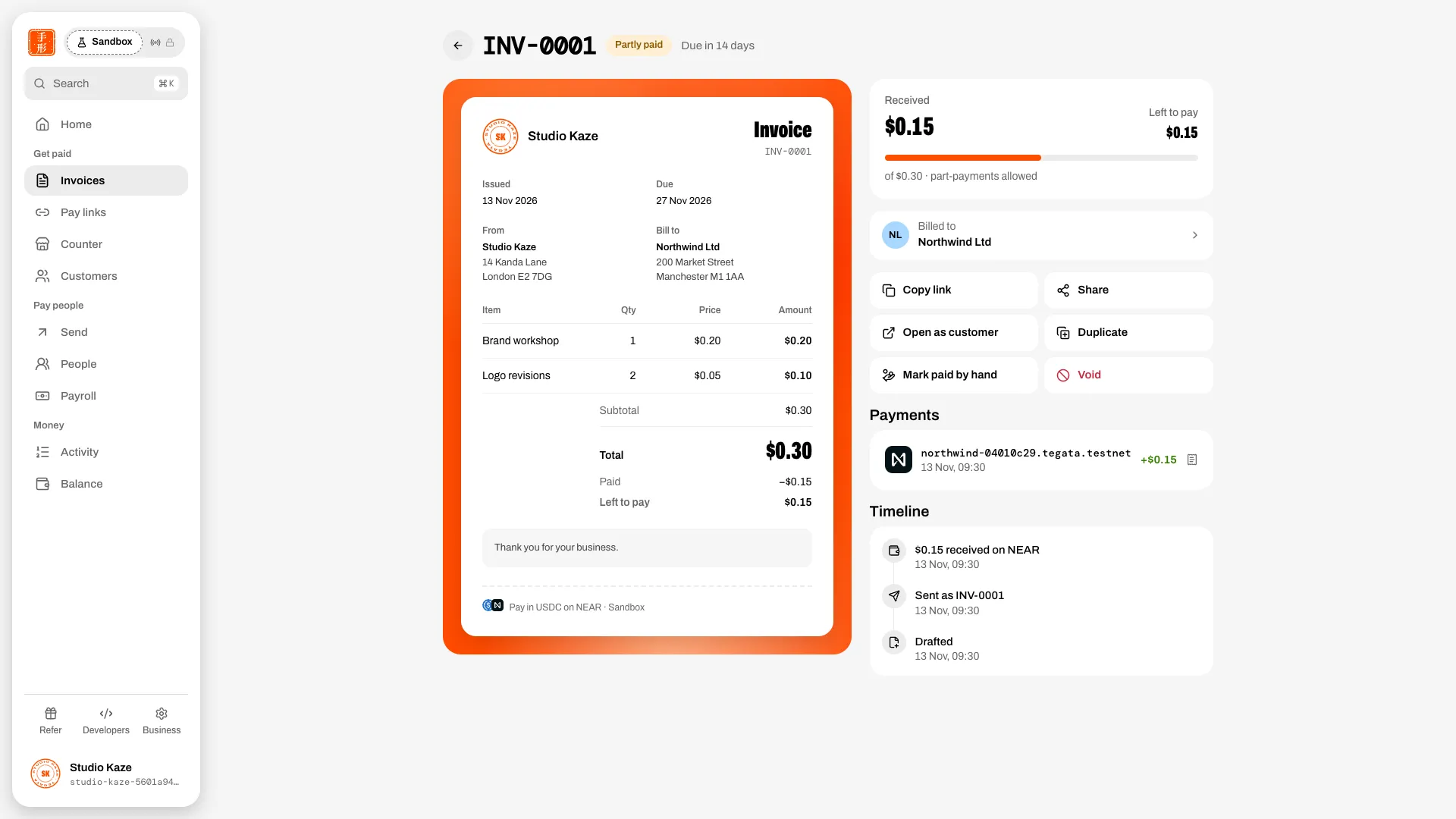
- Copy link and Share: the customer's link opens the invoice with a Pay button for what's left, and Download PDF.
- Mark paid by hand: records money received another way, with an amount and a note. Its receipt says it isn't on NEAR.
- Duplicate: a fresh draft with the same customer and items.
- Void: cancels it; the number stays used.
Email is off on the live site
Invoice and reminder emails are built but switched off on the live Sandbox until a sending domain is set up, so reminders don't go out either. Sending an invoice still gives you its link to share.