

Guide
Pay links
One link anyone can pay, for a fixed or any amount, with a QR code; each payment appears the moment NEAR settles it.
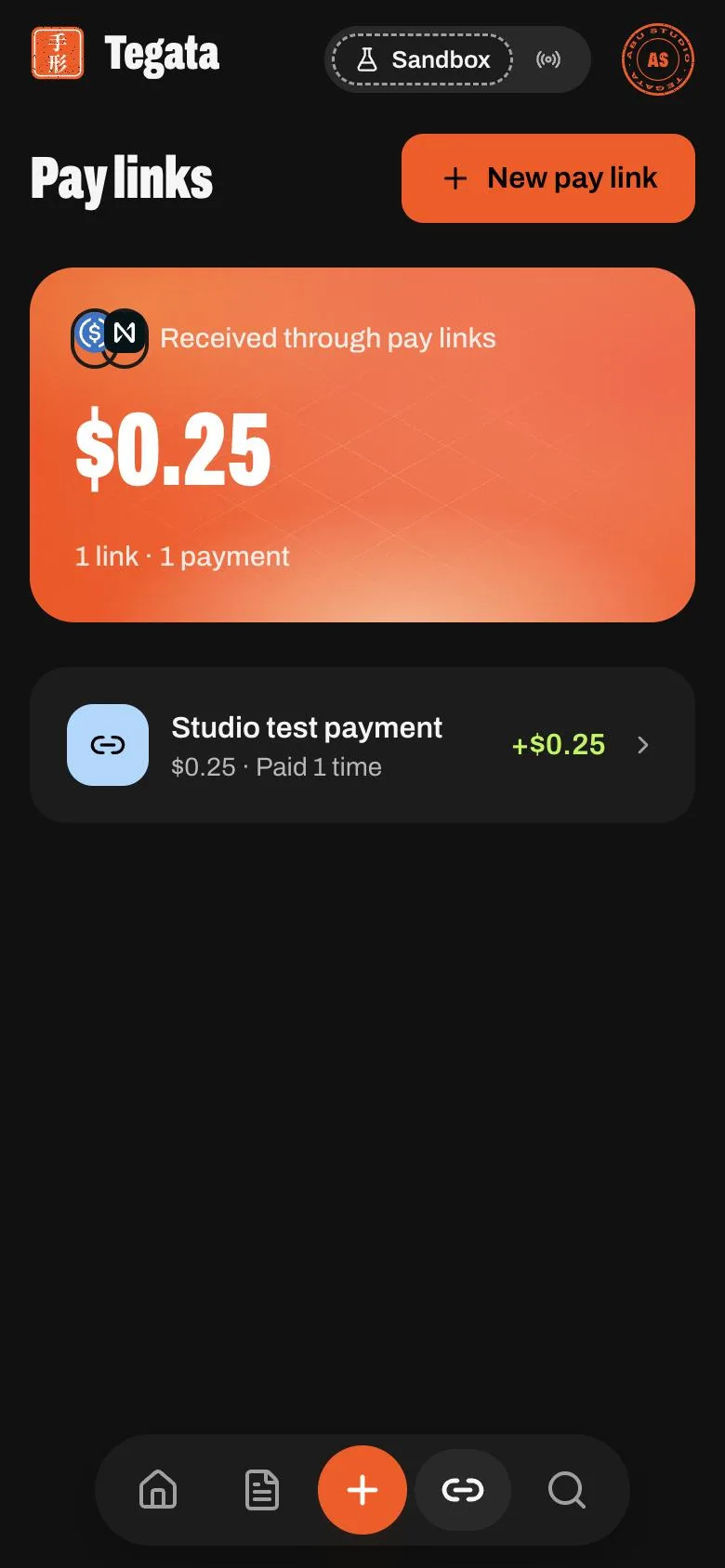
Make one
Open Pay links and press New pay link.
| Field | What it takes |
|---|---|
| What it's for | The title the payer sees |
| Amount | A fixed amount, or turn on Any amount and the payer types it |
| Note for the payer | Optional |
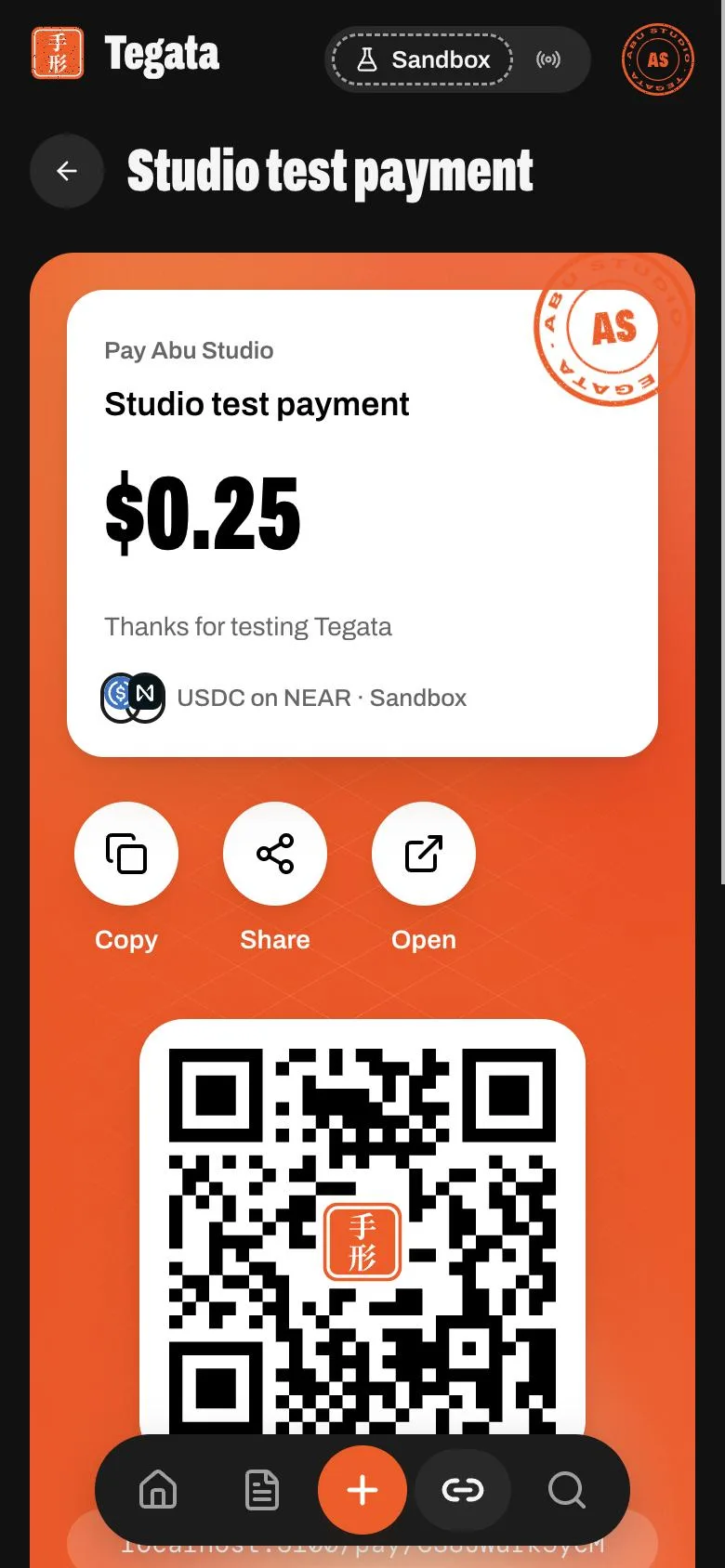
A link's page
- The link card with your seal, and its QR code (the 手形 seal in the middle).
- Copy, Share and Open.
- Taking payments: switch it off and the link stops taking payments; switch it on again any time.
- Payments: each payment as it arrives, opening its receipt. The total received sits above.
A link can be paid many times. Each payment gets its own receipt.