

Try it in five minutes
Follow eight steps on the live Sandbox and reach a paid invoice with a sealed receipt, with no wallet and no money.
The Sandbox is the whole app on NEAR testnet with test USDC, and it's free. You need two email addresses, one for
the business and one for its customer (you+customer@gmail.com reaches the same Gmail inbox), and two browser
windows: a normal one and a private one.
Open your business account
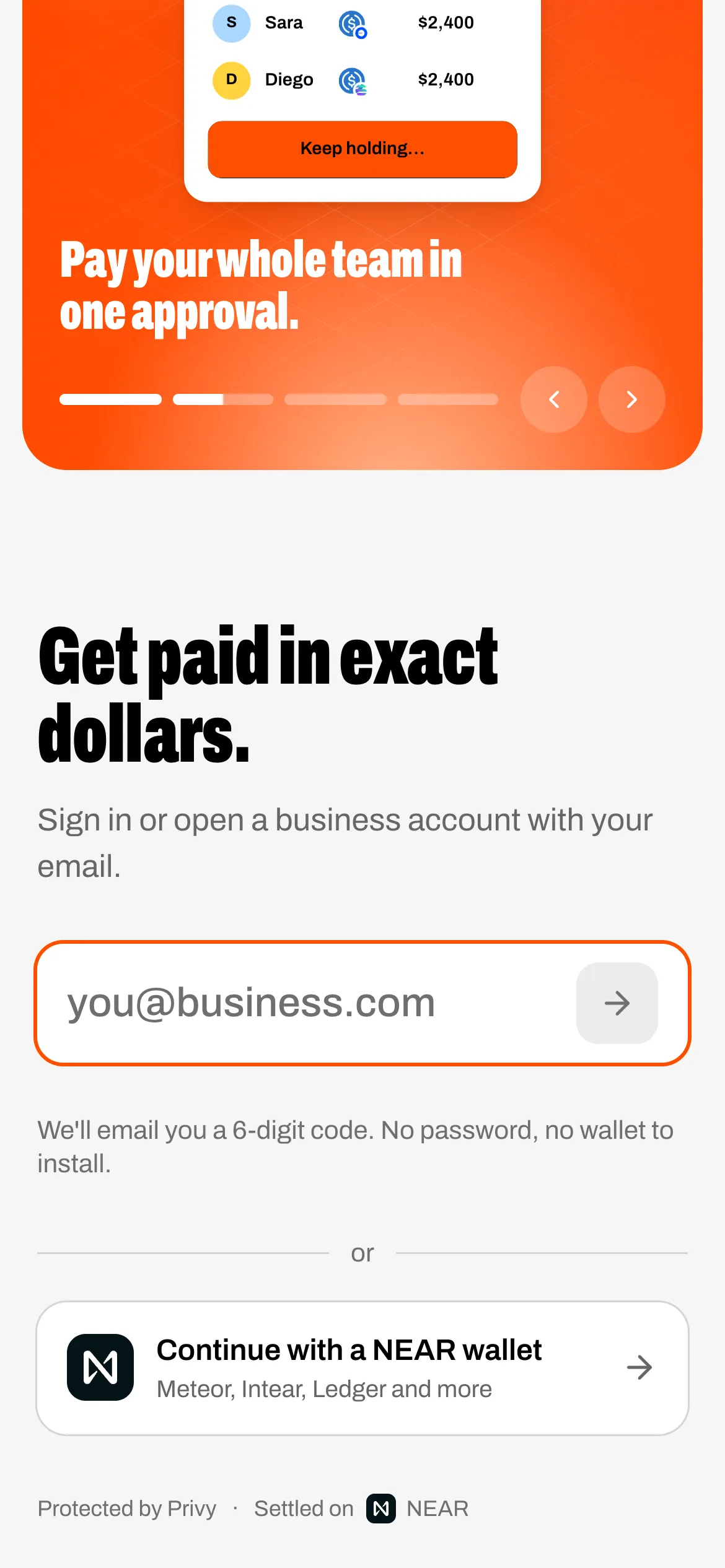
Open the app, enter your email, then the six-digit code it sends. The code cells turn vermilion and Tegata's seal presses.
Name your business and pick a pay address
Press Open my account. your-name.tegata.testnet is created on NEAR and registered for USDC while you watch,
then your business's own seal is stamped.
Send an invoice
Open Invoices, press New invoice. Add a customer and one item for $1.00, press Review and send, then Send invoice. The invoice gets its number (INV-0001) and a link. Press Copy link.
Open it as your customer
Open the link in the private window: the invoice as your customer sees it, with items, total, a PDF and Pay $1.00.
Sign in as the customer
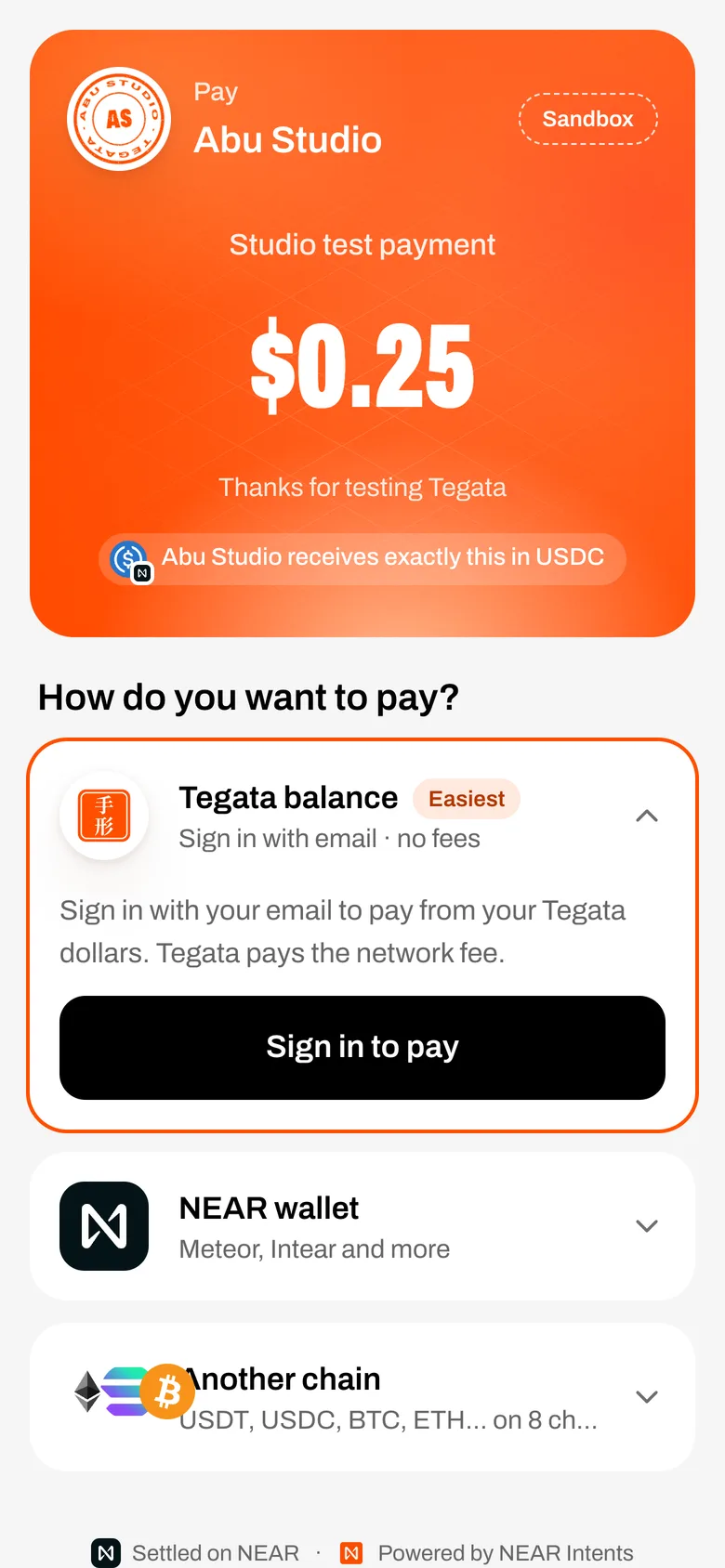
Press Pay $1.00, choose Tegata balance, and sign in with the second email; name its business and open its account. The pay page comes back, signed in as the customer.
Add test dollars
Press Add $5.00 test dollars. 5 test USDC arrive from Tegata's Sandbox stash.
Pay
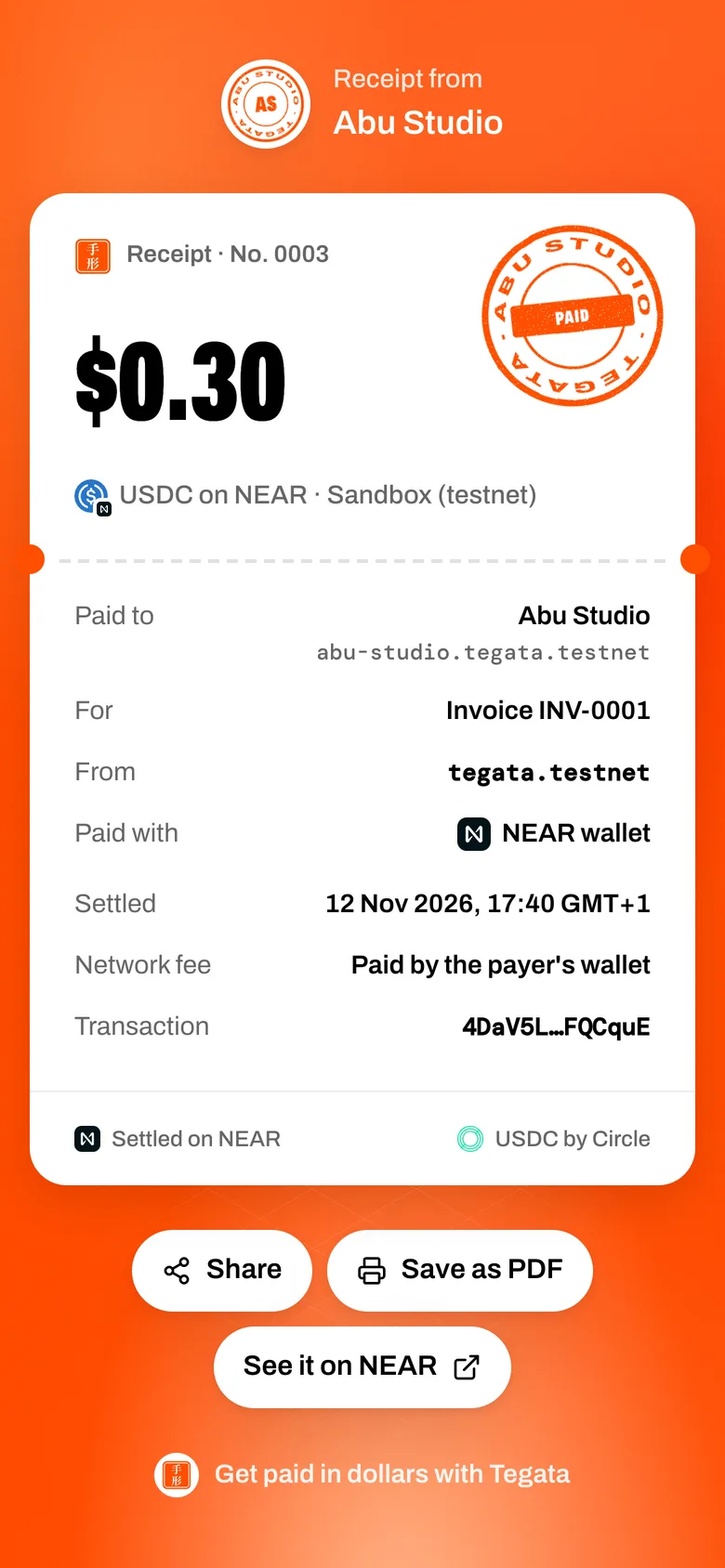
Press and hold Hold to pay $1.00. Live steps, then your business's seal stamps PAID. View your receipt opens receipt No. 0001 with its NEAR transaction.
See it paid
Back in the first window, open the invoice: Paid, the payment on its timeline, and on Home the new balance with the payment under Latest. Every row there opens its receipt.
If the stash is empty
If Add test dollars says "The Sandbox stash is empty right now", get 20 test USDC from Circle's faucet: choose NEAR Testnet, paste the customer's pay address, then hold to pay.